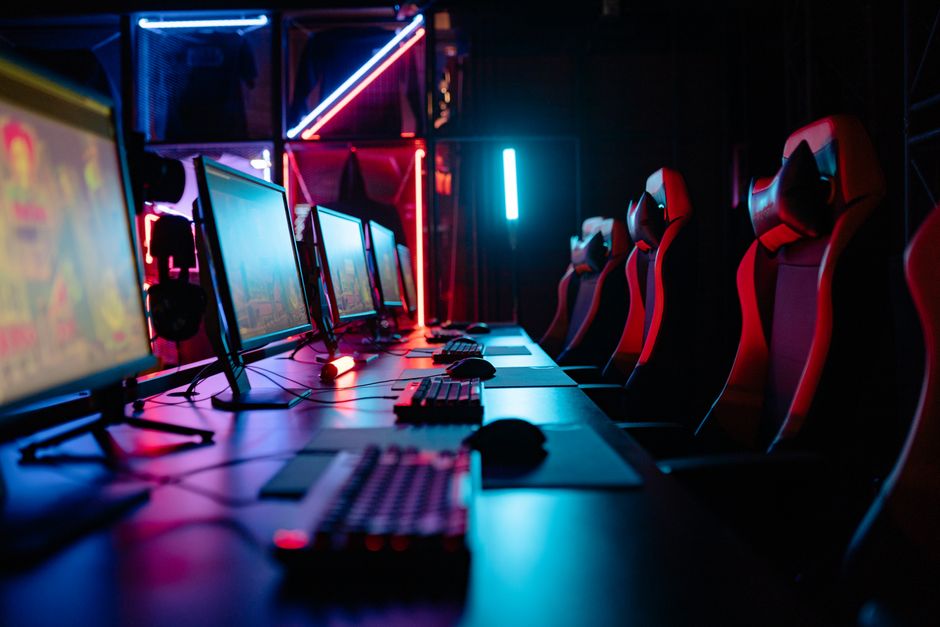
In the era of digital entertainment, gaming has transformed into a multi-billion dollar industry. With the rise of eSports and online streaming, the demand for high-performance gaming PCs has never been greater. Building your own gaming PC can seem daunting, but with the right guidance, it can be an incredibly rewarding experience. This article will walk you through the essential components, considerations, and tips for assembling a powerful gaming rig that meets your needs.
Understanding the Basics of PC Components
Before diving into the building process, it’s crucial to understand the primary components of a gaming PC. The core parts include the CPU (central processing unit), GPU (graphics processing unit), motherboard, RAM (random access memory), storage (HDD or SSD), power supply unit (PSU), and the case itself. Each of these components plays a vital role in the overall performance of your gaming setup.
The CPU is often referred to as the brain of the computer, responsible for executing instructions and processing data. For gaming, a high clock speed and multiple cores are beneficial. The GPU, on the other hand, is critical for rendering graphics and delivering smooth gameplay. Investing in a quality GPU is essential for any serious gamer.
Additionally, RAM is necessary for multitasking and running games smoothly. While 8GB is often considered the minimum, 16GB or more is recommended for optimal performance. Storage options vary, with SSDs providing faster load times compared to traditional HDDs.
Choosing the Right Components
When selecting components for your gaming PC, compatibility is key. Not all parts work seamlessly together, so it’s important to research beforehand. Websites like PCPartPicker can assist you in checking compatibility and finding the best prices for your components. For example, if you choose a specific motherboard, you need to ensure that the CPU and RAM you select are compatible with it.
Another consideration is the purpose of your gaming PC. Are you aiming to play the latest AAA titles at ultra settings, or are you more focused on casual gaming? This will influence your decisions on which components to prioritize. Additionally, you should think about the future; selecting a motherboard with additional slots for RAM or PCIe can give you room to upgrade later.
For instance, if you plan on utilizing virtual reality (VR) gaming, a powerful GPU and CPU become even more critical. Understanding your gaming needs will help you make informed choices while building your rig.
Assembling Your Gaming PC
Once you have all your components ready, it’s time to assemble your gaming PC. Start by preparing your workspace; a clean, static-free environment is ideal. Begin by installing the CPU onto the motherboard, followed by the RAM. Next, mount the motherboard into the case and secure it with screws.
After the motherboard is in place, you can install the power supply unit and connect it to the motherboard and other components. The GPU is usually the last part to be installed. Ensure you connect any necessary power cables to the GPU, as modern graphics cards often require additional power.
Once all components are installed, it’s time to connect the storage devices. If you opted for an SSD, consider mounting it in the designated area for optimal airflow. Lastly, double-check all connections and cables before powering on your PC for the first time.
Installing Software and Drivers
After successfully assembling your gaming PC, you’ll need to install an operating system (OS). Windows is the most popular choice among gamers due to its compatibility with a vast library of games. You can install the OS from a USB drive or DVD, following the on-screen instructions.
Once the OS is installed, it’s crucial to update your drivers, particularly for the GPU. Manufacturers regularly release updates that can significantly enhance performance and stability. Visit the official website of your GPU manufacturer to download the latest drivers.
Additionally, consider installing gaming software such as Steam or Epic Games Store to access your games. You can also set up monitoring software to keep an eye on your system’s performance, temperatures, and overall health.
Maintaining Your Gaming PC
Building your gaming PC is just the beginning; maintaining it is equally important. Regularly cleaning your PC is essential to prevent dust buildup, which can lead to overheating and reduced performance. Use compressed air to clean out fans and components, and ensure proper airflow within the case.
Keep an eye on your system’s performance and temperatures, especially during intense gaming sessions. If you notice any unusual behavior, such as crashes or overheating, it might be time to check your hardware or consult with a professional.
Finally, consider upgrading components over time. As new games are released, you may find that your system struggles to keep up. Upgrading your GPU, adding more RAM, or switching to a faster SSD can significantly enhance your gaming experience.
Conclusion
Building a gaming PC can be an exciting and fulfilling endeavor. By understanding the components, choosing the right parts, and following proper assembly and maintenance techniques, you can create a powerful machine tailored to your gaming needs. Remember, the key to a successful build lies in research and planning. For those looking to simplify the process, using a reliable gaming PC builder can help streamline your experience and ensure all components work harmoniously together.
About the Author